So a couple of days ago, while I was helping my wife set up her laptop, I accidentally installed some adware on her computer.
I wondered about posting this, because it’s a little embarrassing :). It’s the first time in around 20 years that this has happened to me, but as a long time developer, it’s the sort of thing that really shouldn’t happen at all. I recognised what had occurred within a couple of minutes, and quickly fixed the problem.
Then, while thinking about it, I decided to go back and install it again, documenting carefully exactly how it happened so that I could use it to hopefully help someone else avoid the same kind of thing, especially as the ads it was displaying were lies to try to get me to install more malware in the guise of removing viruses that didn’t exist.
Hopefully this helps someone else avoid the same problem (or fix it quickly if they fall for it like I did).
So on with the story…
My wife wanted to have a nice picture of Wellington, New Zealand (where we live) as her wallpaper for her Windows laptop, so I went to google and searched for “HD 1920x1080 wellington cable car photo”. This brought up a bunch of previews, the first of which was from a website “wallpaper flare” (don’t go there, it’s malware ridden)
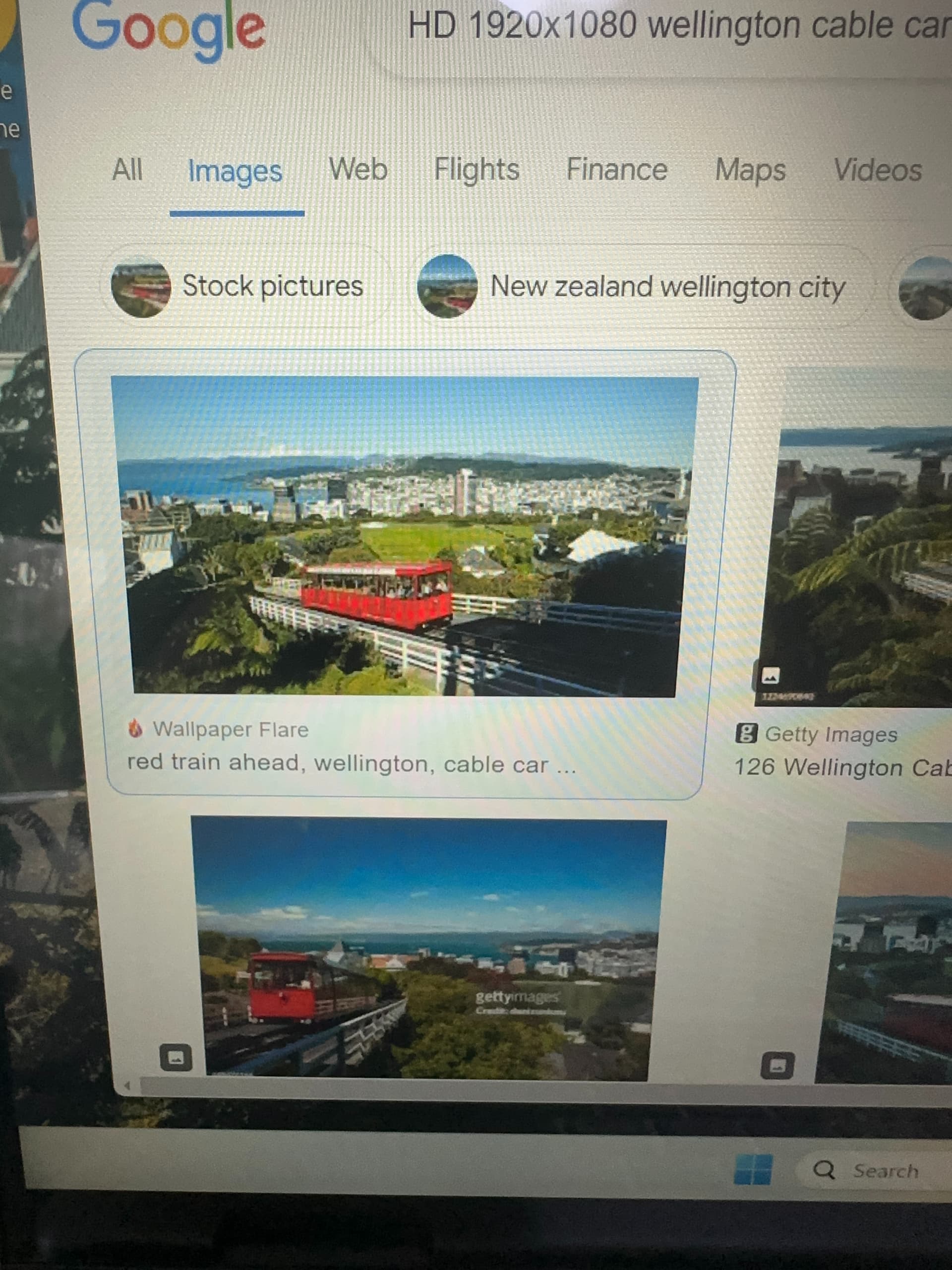
On the right side of the screen was a link to visit the page, which I clicked, which then opened up a couple windows, one of which had a bunch of robots on it, and said “click to allow” if you are not a robot.
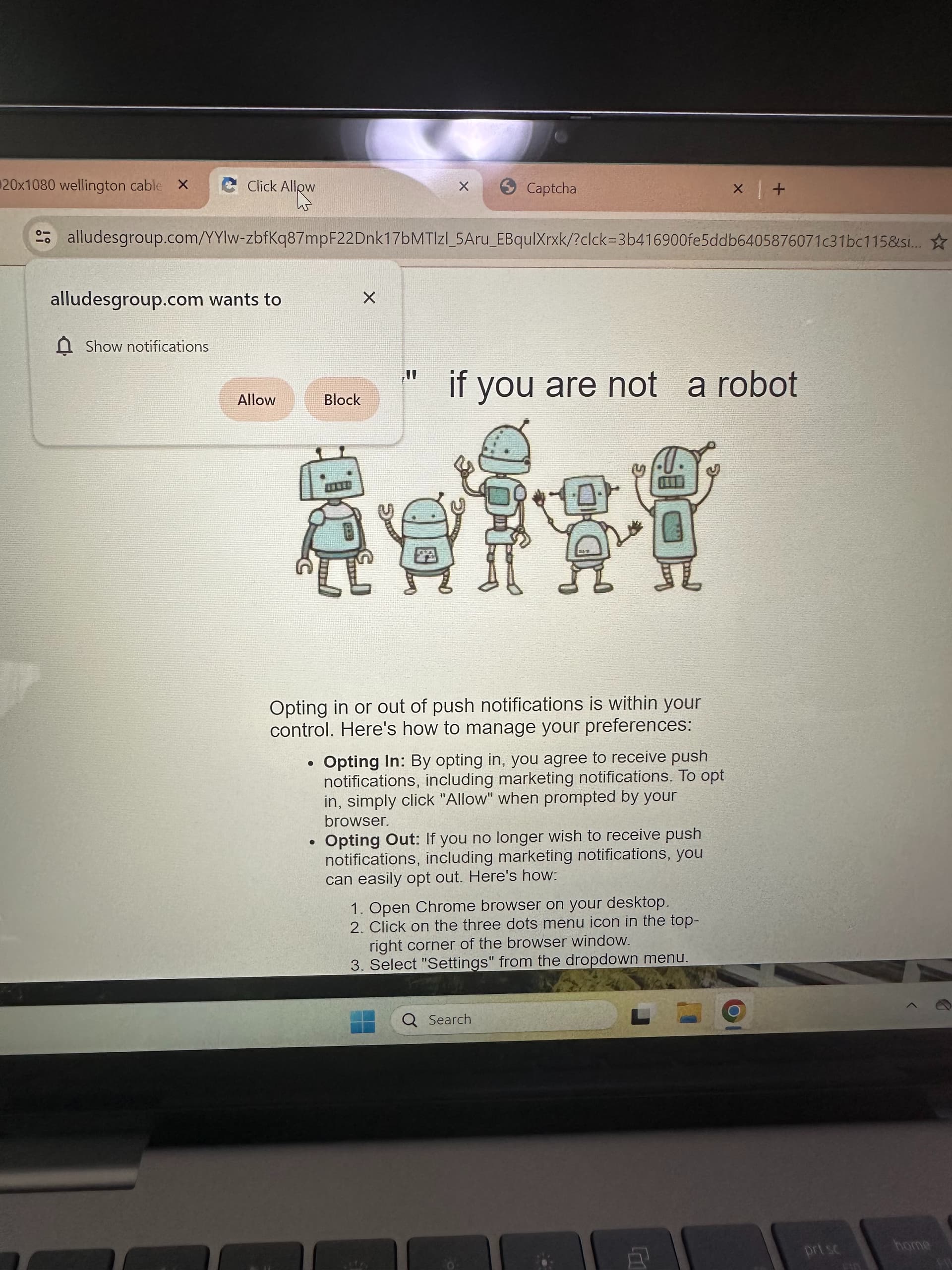
Now, normally I would never click this – you should always read your popups before clicking. I even posted about this just a few weeks ago as a Quick Tip Tuesday email. I was in a hurry to get back to work, and not reading carefully, and clicked allow without thinking. I didn’t even notice that it said allow actually, I only realized this after I went back to re-install the malware so I could document it. I thought it was just the normal captcha popup, but as you can see in the screen shot, it is asking to allow notifications. My brain just didn’t even see it. One of the other pages that got opened when I visited that site did have the normal captcha checkbox
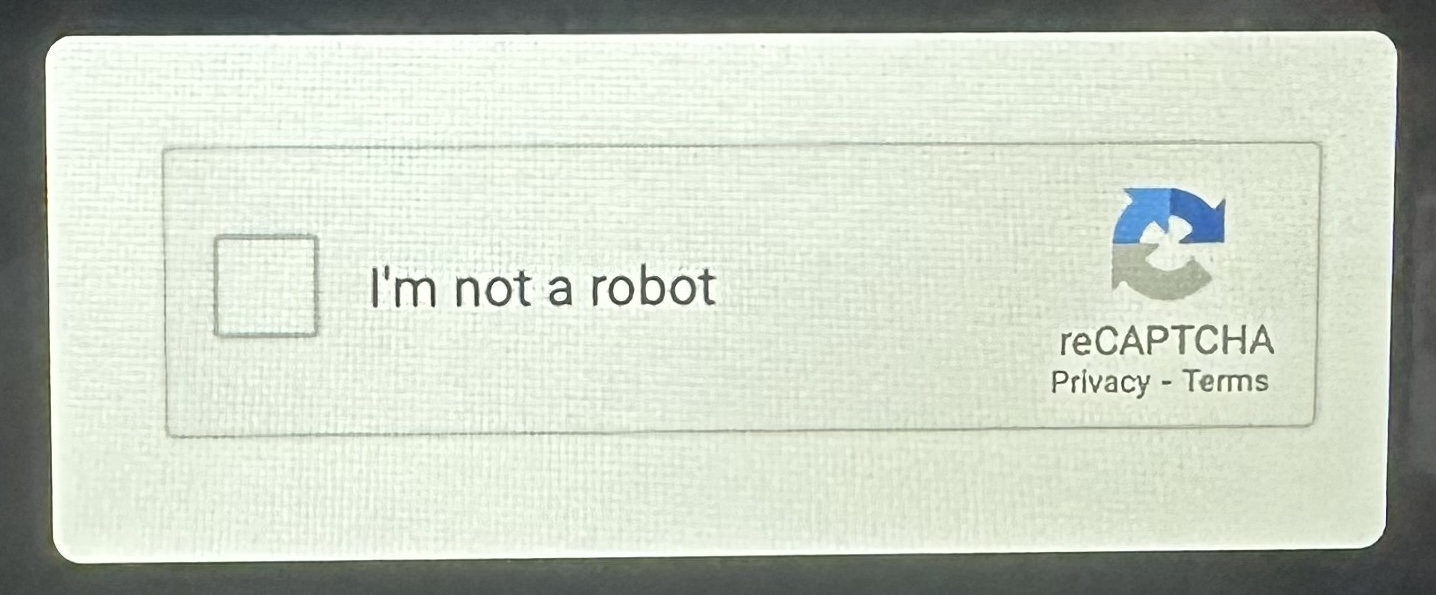
but if you clicked it, then you would get the popup asking to allow notifications – so they were trying a couple different ways to trick people.
Within a couple of minutes, I got a popup to install a virus scanner on the right side of my screen,
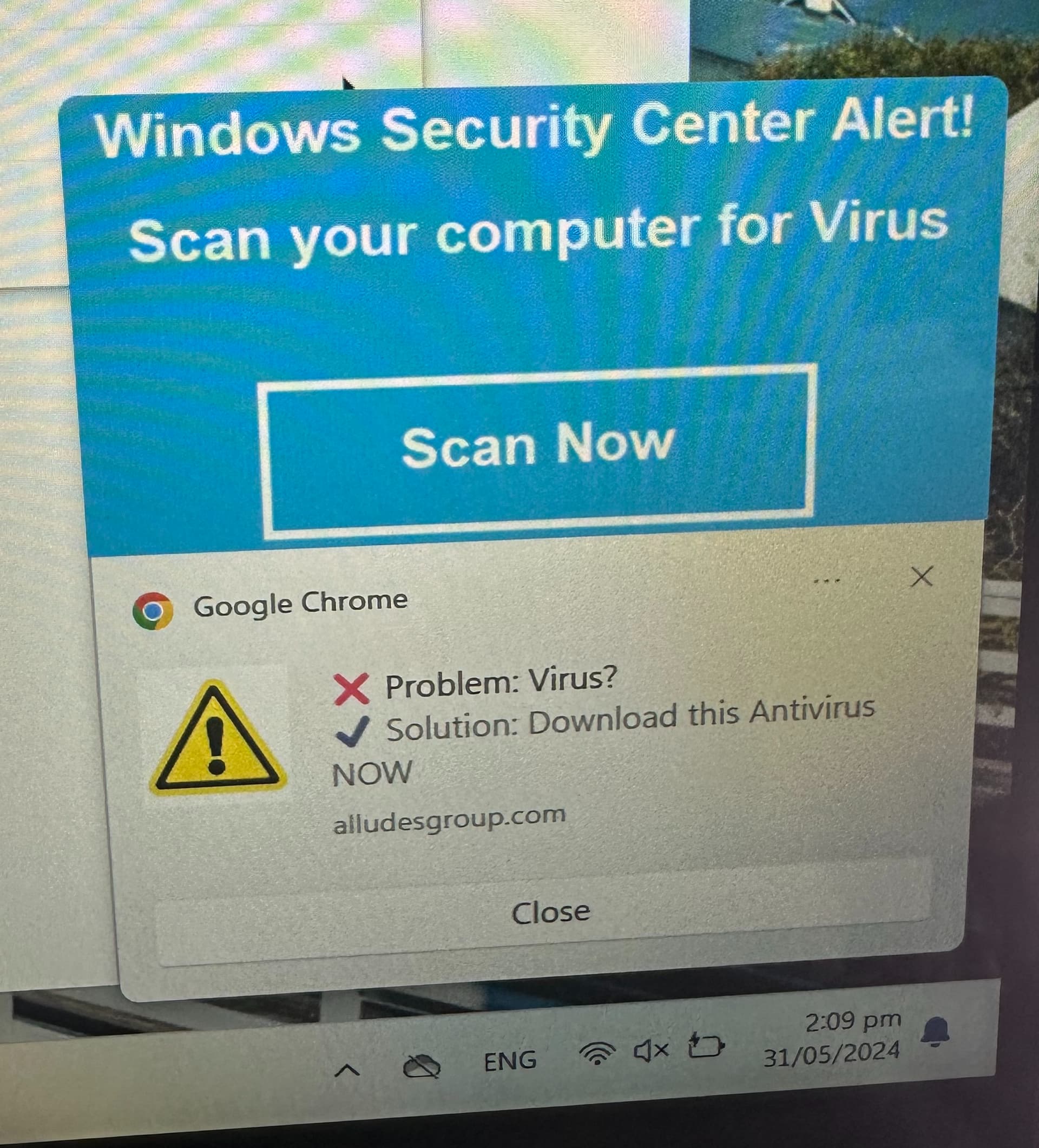
followed shortly after by a popup that suggested a virus was already installed.
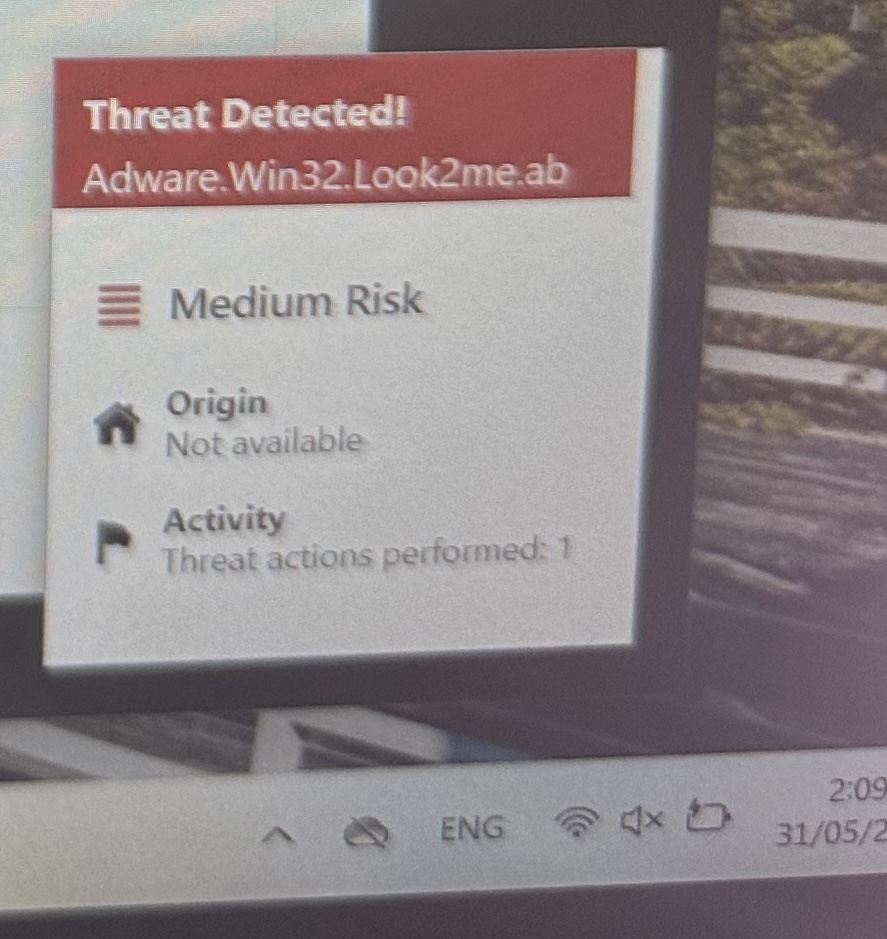
As soon as I saw these popups, I knew I’d clicked on something I shouldn’t have.
If you notice on those popups, one mentions alludesgroup.com – the other adware.win32.look2me.ab – if you google either of those things, one of the top couple hits will be a malwarebytes.com website link. This is a website that helps you learn how to remove malware. After reading the site, I disabled notifications for these guys. In chrome there are 3 dots in the upper right which brings up a menu
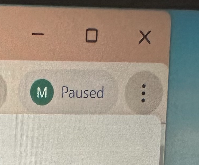
, including a “settings” link that looks like a gear
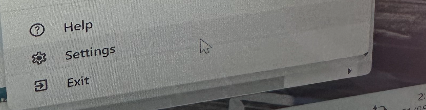
After clicking on settings, this came up:
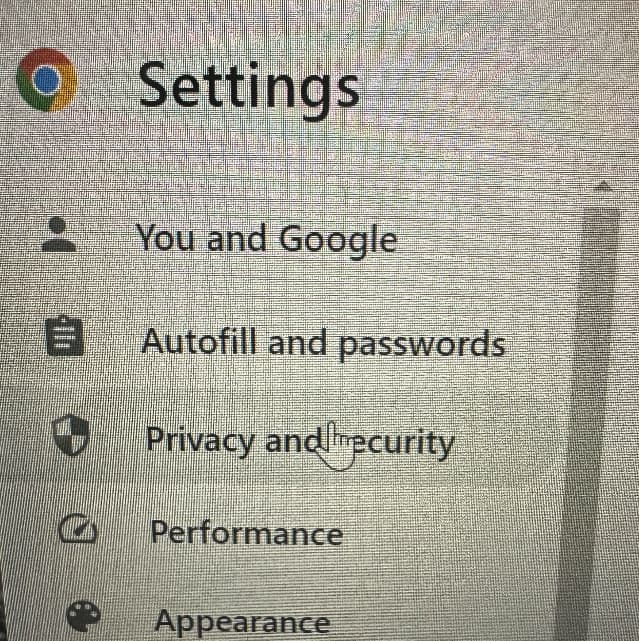
I clicked on “Privacy and Security”
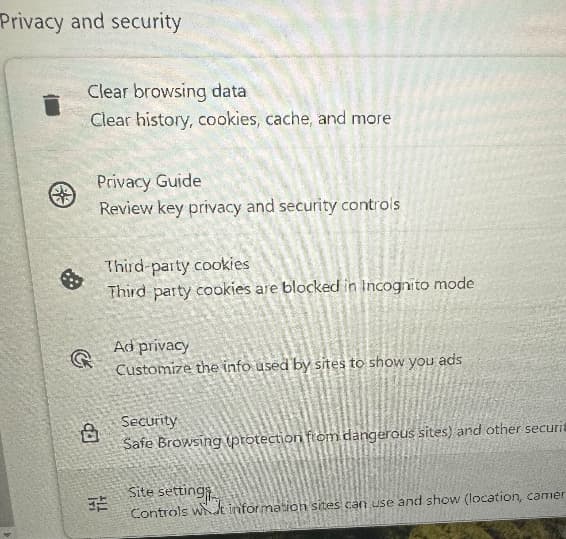
then “Site Settings”
it has a handy little “recent activity” section which showed that I had allowed notifications from alludesgroup.com
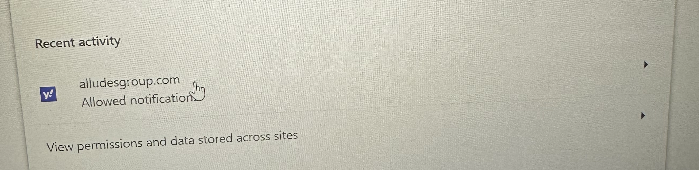
Clicking on the carat on the right side of the screen

brings up the permissions for alludesgroup.com – I clicked on “reset permissions”
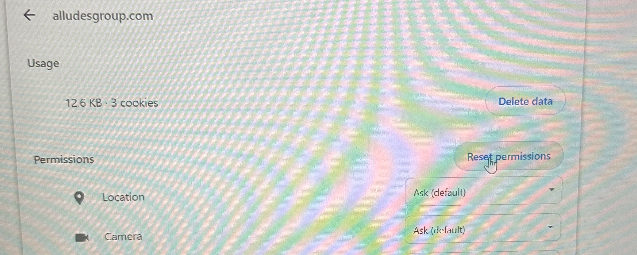
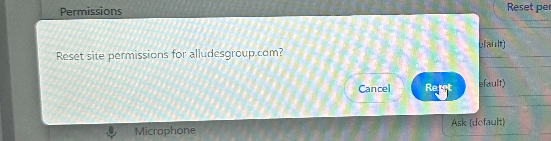
followed by “reset” and it was all fixed.
If random popups start happening on your computer – especially ones that tell you you’ve got a virus, don’t click on them! The bad guys try scare tactics to get you to install the actual bad stuff. This adware couldn’t actually do anything bad on the computer (except for popping up random stuff), but if I’d clicked on one of those links and installed the “anti-virus software” they asked, I would’ve been allowing them to install much more insidious / problematic stuff on the computer.
Hopefully others can benefit from my epic fail.
Cheers,
Kem